Graphing Scientific Calculator
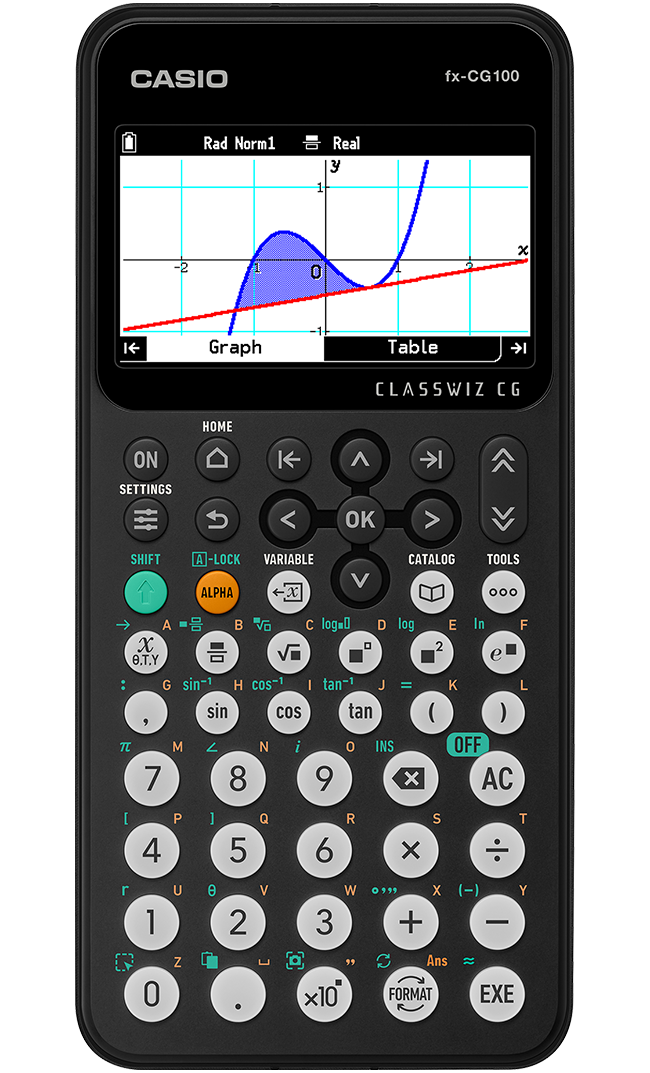
fx-CG100
Easy-to-Operate, High-Definition 3D Graph Provides Visual Support for Mathematical Exploration
fx-CG100 has intuitive operability and exploring features, ideal for mathematics learning.
Support Resources





Emulator
ClassWiz Color Graph Emulator for use with ClassPad Math
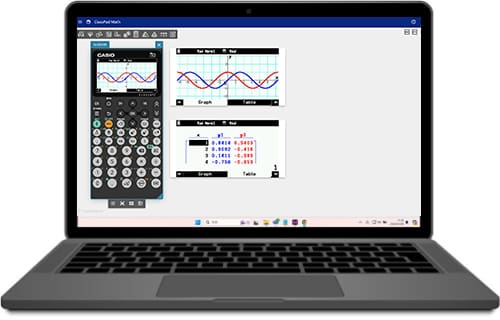
The fx-CG100 emulator is now available on ClassPad.net, our web-based platform for teaching and learning Mathematics.
This emulator allows you to experience the full functionality of the fx-CG100 calculator directly in your web browser, without any installation required. It supports interactive graphing, advanced calculations, and intuitive input methods, making it an ideal tool for both students and educators.
Design & Usability
Easy and Intuitive Operability
Intuitive cursor operation
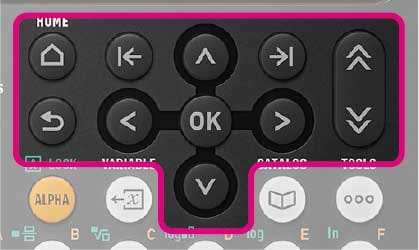
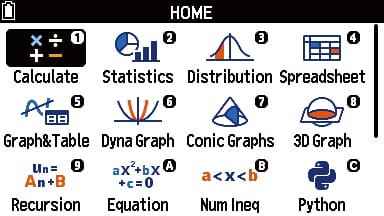
In addition to the cursor and OK keys, the calculator features other keys that will be familiar from everyday tasks, such as the Home and Backspace keys.
Key shape designed for accurate entry
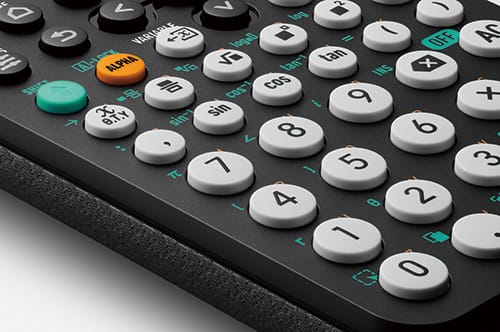
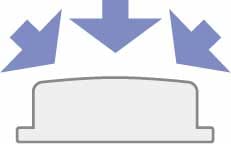
The convex and rounded key design makes it easy to press any key from any angle.
ClassWiz Design, Interface and Navigation
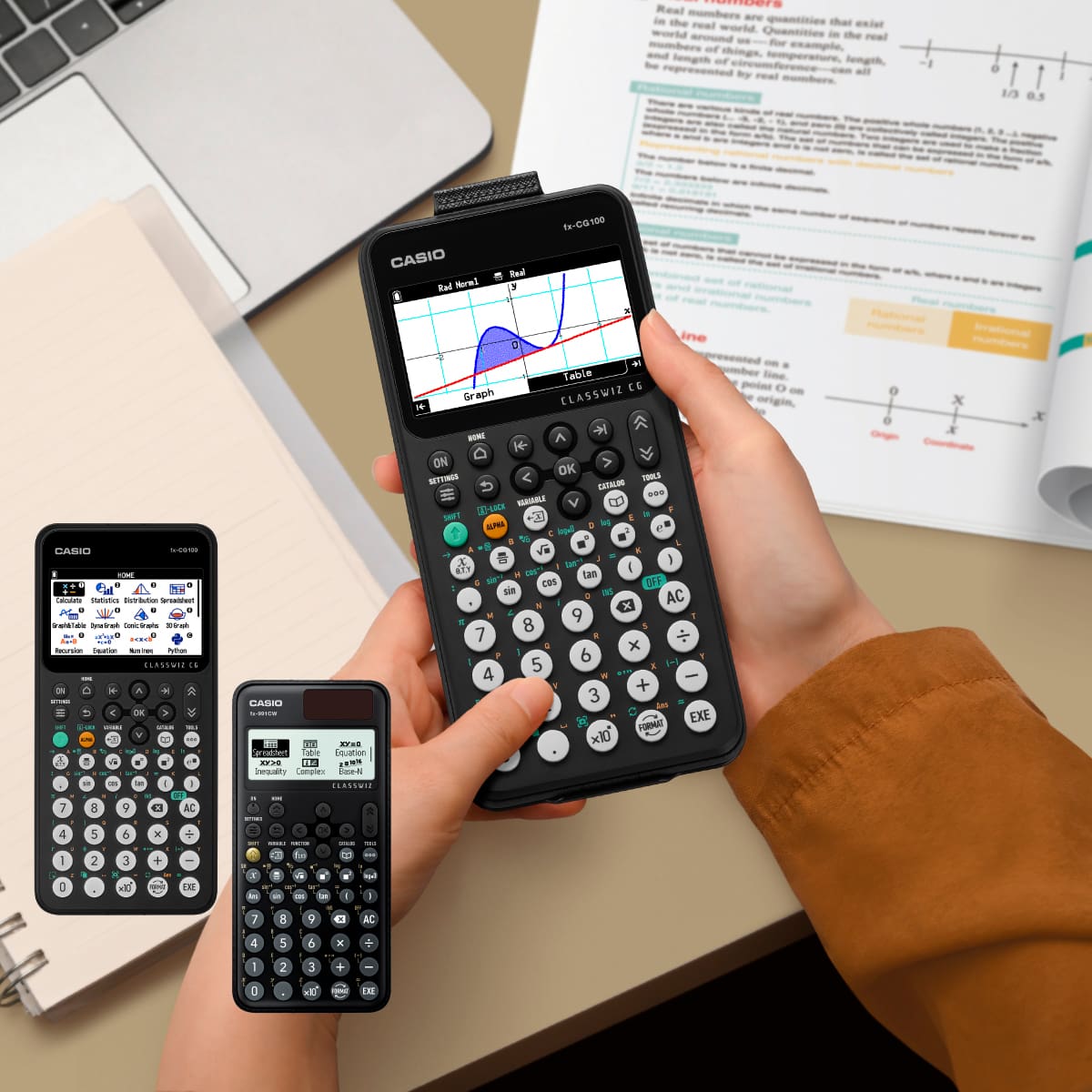
The fx-CG100 offers a user interface familiar to ClassWiz CW Series users, making the transition to graphing calculators easier for students.
By sharing the same UI and navigation as the ClassWiz Scientific series, it reduces time spent on instruction and allows students to focus on learning. This consistency supports smoother classroom management and enables teachers to dedicate more time to teaching key concepts.
The fx-CG100 makes adopting graphing technology a seamless step forward in education.
Want to know the story of how this intuitive design came to life?
Functions
- Graphing
- Basic
- Statistics
- Others
- 3D Graph
- Rectangular coordinate graphing,Polar coordinate graphing
- Integration graph
- Parametric function graphing, Inequality graphing
- Trace, Zoom (box zoom, zoom in, zoom out, auto zoom)
- Table and Graph
- Sketch (tangent line, normal line, inverse function)
- Solve (root, minimum, maximum, intersection, integration: integral calculation improvement (real-time integral calculation), new integral calculation function (mixed integrals))
- Dynamic graph
- Recursion graph
- Angle unit, Angle unit conversion (Deg, Rad, Gra)
- Trigonometric functions, Inverse trigonometric functions
- Hyperbolic functions, Inverse hyperbolic functions
- Exponent functions, Logarithmic functions
- Power functions (square root, cubic root, square, power, radical root)
- Coordinate conversion (Pol, Rec)
- Combination/Permutation (nCr, nPr)
- Factorial, Inverse, Random numbers, Random sampling of an existing list, Fractions
- Logical operations
- Sexagesimal ↔ Decimal conversion
- Matrix calculations
- Vector calculations
- Complex number calculations
- Base-n calculations/conversions
- List data calculations
- Rounding
- Display format
- Conversion
- Engineering symbol calculation
- Engineering notation
- Prime Factorization
- List-based one-variable and two-variable statistical analysis
- Statistical regression calculations
- Statistical plot (scatter plot, xyLine, normal probability plot, histogram, box plot)
- Statistical regression graphs (linear, med-med, quadratic, cubic, quartic, logarithmic, exponential, power, sinusoidal, logistic regression)
- Advanced statistical calculations: tests (Z-test, t-test, χ²-test, F-test, ANOVA), intervals (Z-interval, t-interval), distributions
- Pie chart
- Bar graph
Physics- and chemistry-related functions
- Metric conversion function
- Periodic Table
- Scientific Constants
Calculator program function
- Python
Geometry function
- File operations for Geometry
- Drawing and editing objects for Geometry
- Construct objects for Geometry
- Measurements of an object
- Animation
Other functions
- Spreadsheet
- Recursion
- Geometry Application
- Data Logger
Python Programming
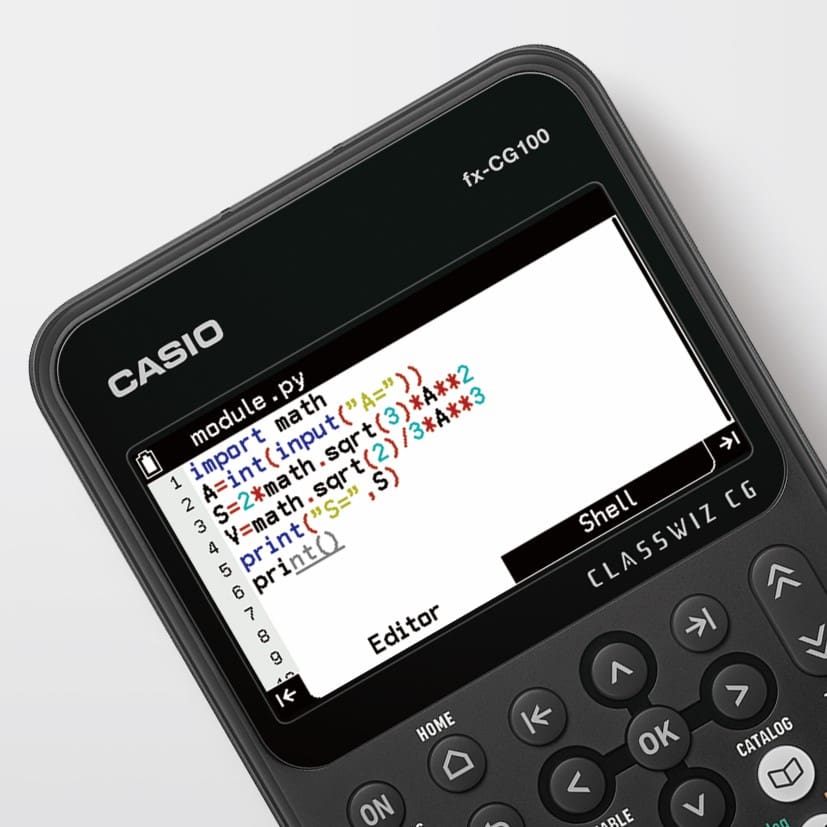
In modern learning, the ability to “use” mathematical knowledge to solve problems is emphasized. The data handled in Python is diverse, including grade distributions, regional temperature trends, sports records, and everyday survey results. By verifying the meaning of averages, variances, and correlations through data, and considering how to handle outliers and biases, students naturally develop data literacy.
Mathematics learned through Python connects seamlessly to data science, economic/financial analysis, and natural science simulations. This makes the transition to university-level studies remarkably smooth. The dual ability to think mathematically and verify through code becomes a powerful tool, significantly broadening students' future options.
Exam Mode
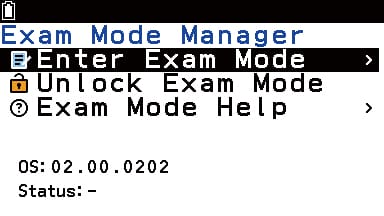
Exam Mode mode allows you to quickly prepare your calculator for exams, restricting access to memory, programs, functions and applications.
This mode can be easily set up from the HOME menu.
Note: Cancellation of the Exam Mode requires a connection to a PC or another fx-CG100.