Scientific Calculator
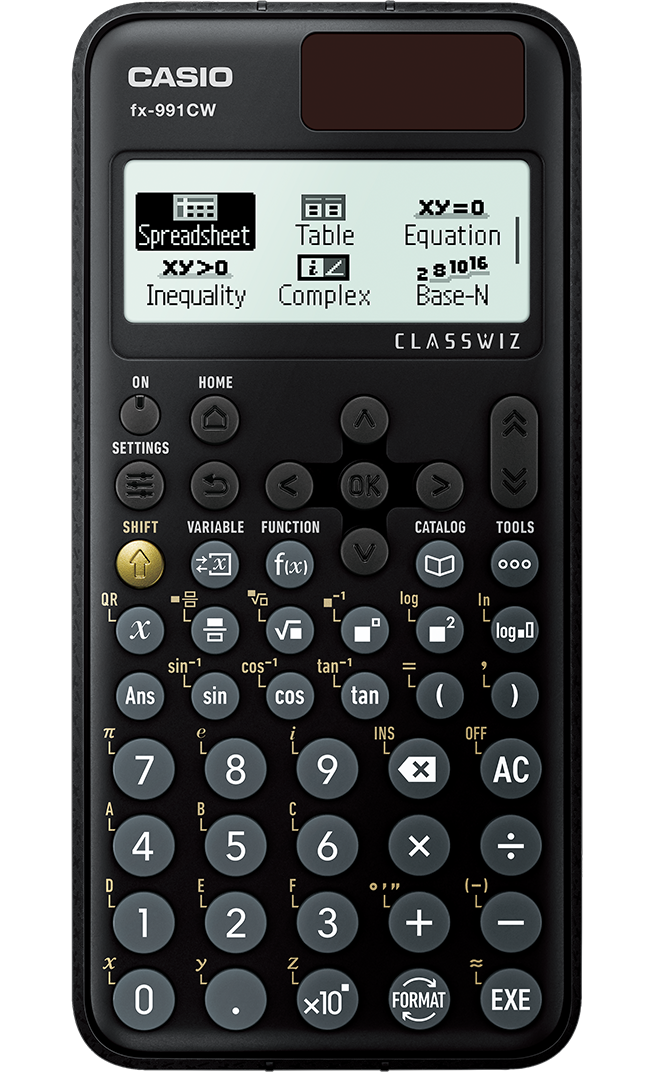
fx-991CW

CW Series
Perfect Math Learning Tool with Intuitive New Design
The new ClassWiz CW Series is designed for modern teaching and studying. Its innovative design and key placement make it accessible to everyone. It includes MathBox, a fun feature for math learning. It connects with ClassPad.net to support ICT classes. These features help to boost students' curiosity toward math learning.






Features
Approachable Design
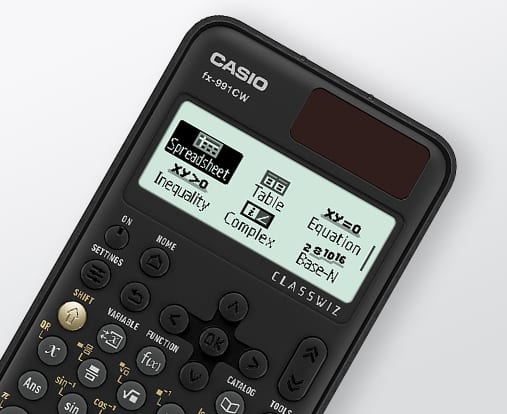
The new display and key layout of the ClassWiz CW Series offer intuitive operability, making it easier for students to learn and teachers to teach.
ClassWiz EX Series
ClassWiz CW Series
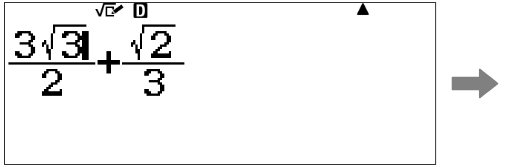
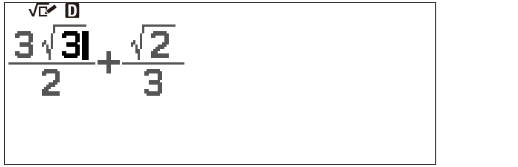
The new four-tone screen brings gray into the equation, so you can easily tell which part is being entered.
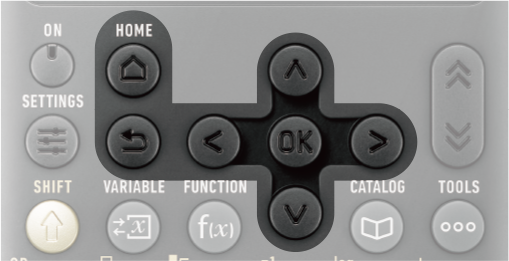
New 'OK' and 'Back' keys are added to a streamlined layout that places frequently used keys close to each other, for easy operation with minimal confusion.
Example
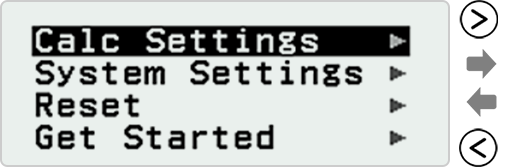
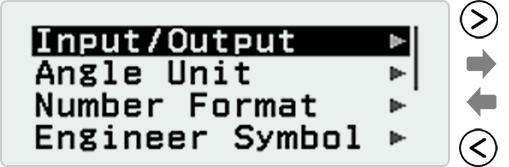

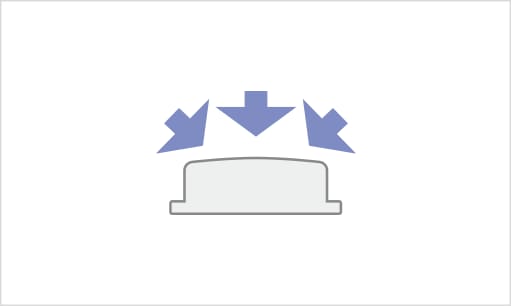
The convex and rounded key faces make them easy to push evenly from any angle.

ClassWiz EX Series

ClassWiz CW Series
The printed labeling around the keys have been simplified, making it easier to locate your most-used keys.


Easy and Intuitive Operability

Intuitive and interactive operation makes it easy to use the features of ClassWiz.
By the use of icons, selection of the desired function is quick and easy.
Visual, interactive and textbook-based displays make operation easier for teaching the use of scientific calculators, so you can concentrate on teaching mathematics.
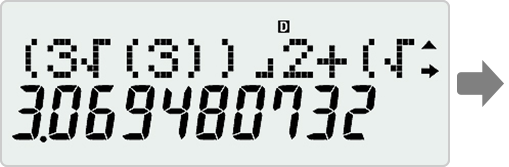
MS Series
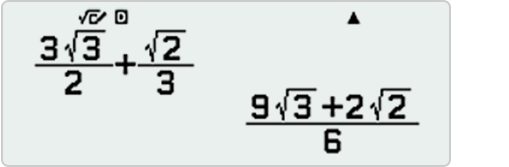
ClassWiz Series
Input and display fractions, powers, Iogarithms, roots, and other mathematical formulas and symbols just as they appear in textbooks.
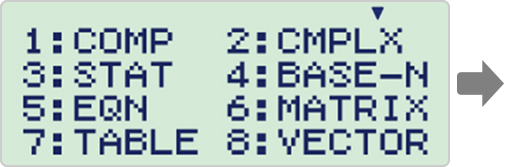
ES PLUS Series
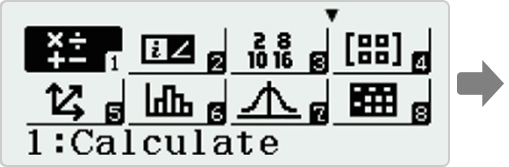
ClassWiz EX Series
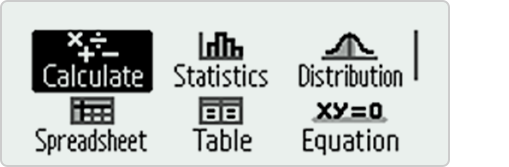
ClassWiz CW Series
The use of icons on the menu screen improves visibility. Selection of the desired function is quick and easy.
The ClassWiz CW Series shows icons and app names together, making it even easier to select them from the menu.The printed labeling around the keys have been simplified, making it easier to locate your most-used keys.
Example
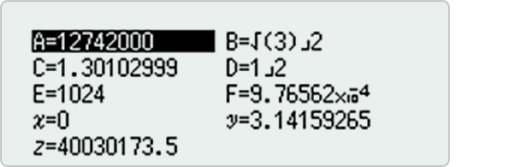
Variable list
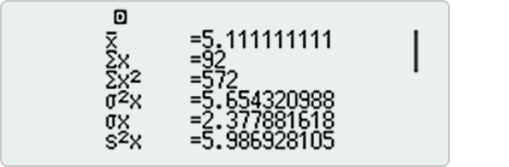
Statistical Calculation results
Like the ClassWiz EX Series, it offers fast calculation for smooth performance in class or during examinations.
*Functions for which specific models are not indicated are available in all models.


Variety of Functions and Features

A wide range of essential functions are effective for education and available to support student's learning.
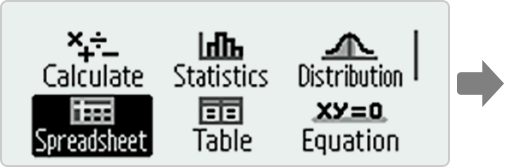
It is easy to select calculator app from the HOME screen that is suitable for the type of calculation you want to perform.

Calculation
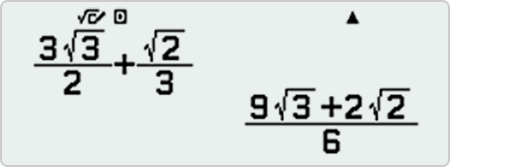
Perform general computations using Natural Textbook Display™ notation, including absolute value, logs of any base, summation, derivatives, and integrals.

Statistics
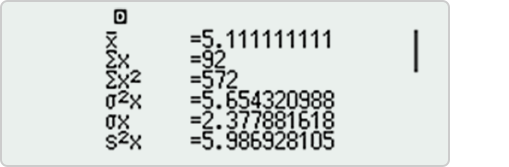
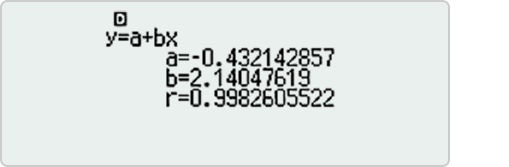
Calculate one-variable statistics (such as sum, mean, max or quartile), and apply linear, quadratic, logarithmic, exponential, and geometric (power) regressions.

Distribution
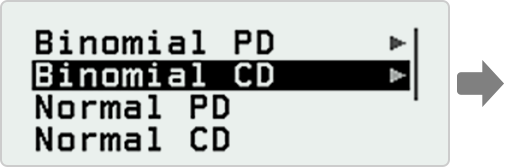
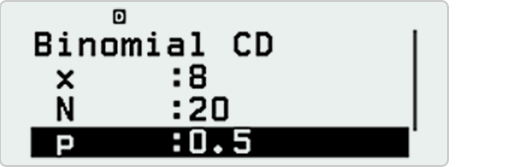
Investigate Normal, Inverse Normal, Binomial, and Poisson probability and cumulative distributions.

Spreadsheet
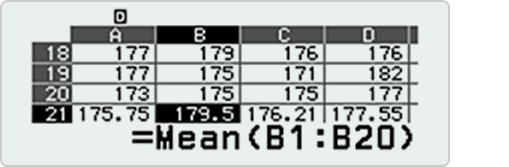
Create spreadsheets with up to 5 columns and 45 rows. Spreadsheet supports Fill, Cut/Copy/Paste, recursive formulas, Mean, and Sum commands.

Table
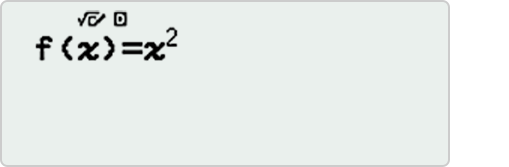
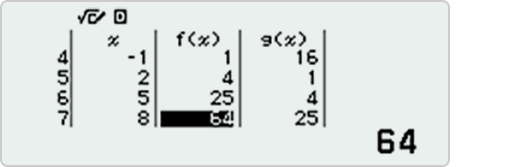
Generates numeric table based on one or two functions.

Equation
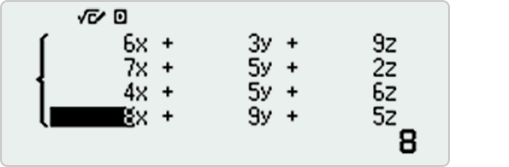
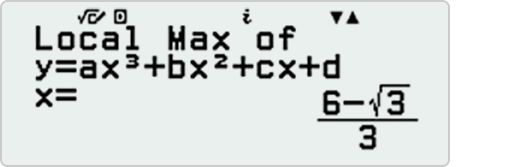
Solve simultaneous (systems of) equations with up to 4 unknowns and polynomials of up to degree 4, and find maximum and minimum values in quadratic and cubic equations.

Inequality
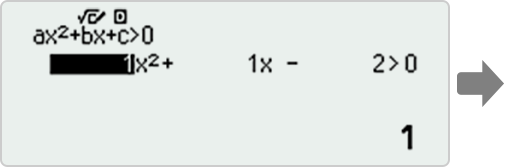
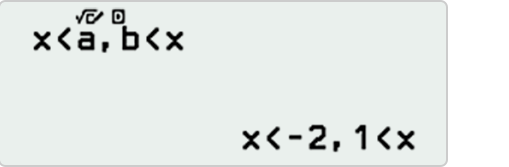
Solve polynomial inequalities of up to degree 4, with the solution set expressed as a compound inequality.

Complex
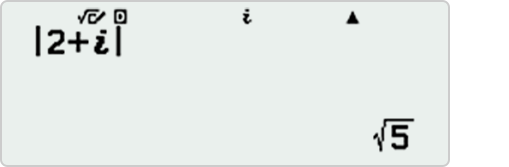
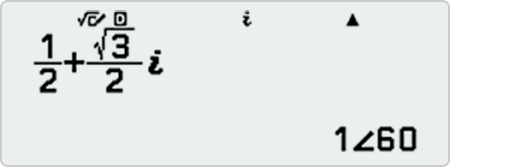
Perform computations with complex numbers, including a + bi form, polar form, and conversions between the two.

Base-N
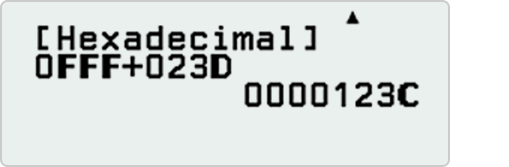
Perform binary, octal, and hexadecimal computations, and convert among those number bases and base-10.

Matrix

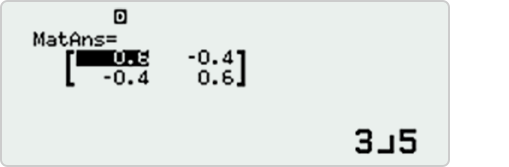
Perform operations on matrices up to 4x4, including matrix arithmetic, determinants, transpositions, and identity matrice.

Vector

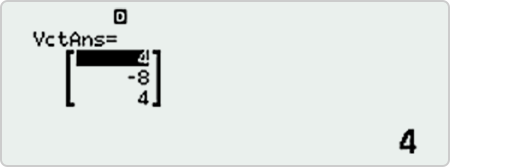
Perform operations on 2- and 3-dimensional vectors, including vector arithmetic, dot products, angles, and unit vectors.

Ratio
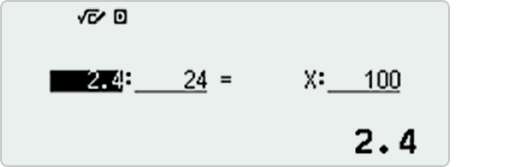
Solve proportions of the form A : B = X : D and A : B = C : X.

Math box

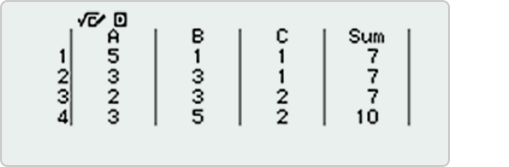
Apply math to everyday scenarios and learn probability the fun way, with dice roll and coin toss simulations.

Variable memory
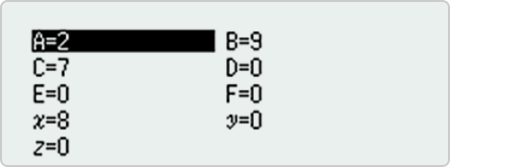
Variable List

Editing on the variable list
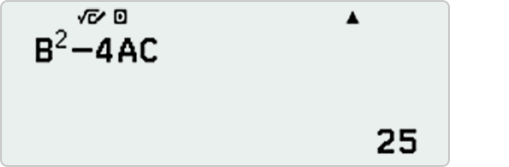
In the Calculate app
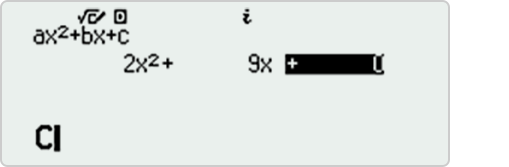
In the Equation app
You can store values to variables and use the variables in calculations. Pressing [variable] displays a screen that shows the values currently stored to variables A, B, C, D, E, F, x, y and z.
Function memory
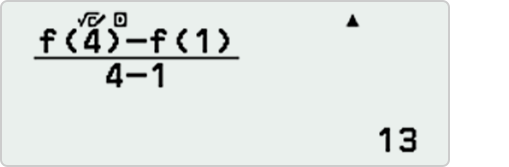
In the Calculate app
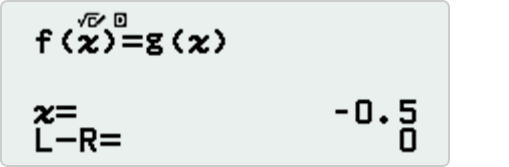
In the Equation app
You can store functions to f(x) and g(x) memory. Pressing [f(x)] displays a menu for defining functions and call f(x) or g(x) memory to apps.

Catalog
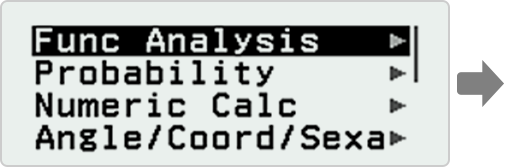
Categories
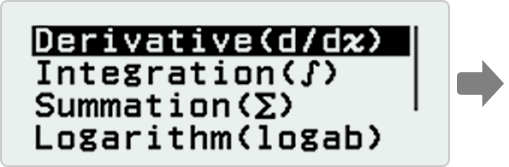
Functions
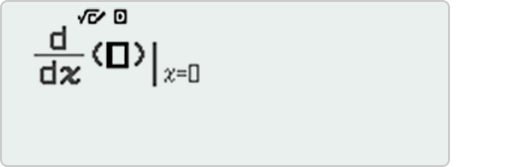
Catalog menu shows categories of the commands, functions and symbols in accordance with the calculator app you are currently using and the current status (displayed screen or current settings) of the app.


Inspire Students to Learn
Intuitive and interactive operation makes it easy to use the features of ClassWiz.
By the use of icons, selection of the desired function is quick and easy.
Visual, interactive and textbook-based displays make operation easier for teaching the use of scientific calculators, so you can concentrate on teaching mathematics.
Dice rolls and coin toss simulations are useful for teaching probability, and they offer a fun way of learning with a scientific calculator based on real-life situations.
Each turn produces random results, which then provokes discussion among students.Dice Roll
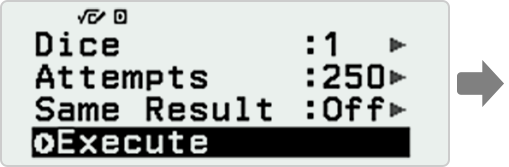

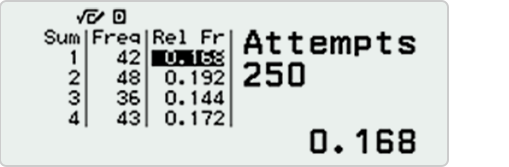
Up to 250 rolls can be simulated for 1 to 3 dice.
Coin Toss
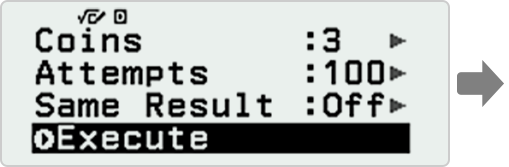

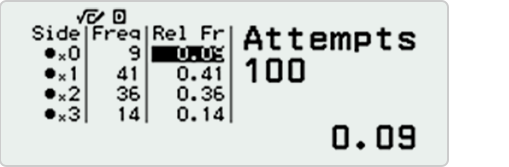
Up to 250 tosses can be simulated for 1 to 3 coins.
Recursion
The spreadsheet functions makes it possible to enter recursive formulas.
Sequence: a1=2 and an+1 -2an-3 (n=1, 2, 3 ...)
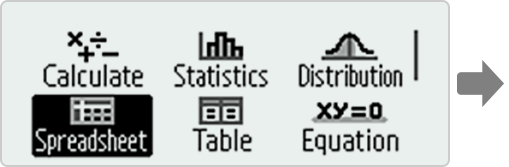
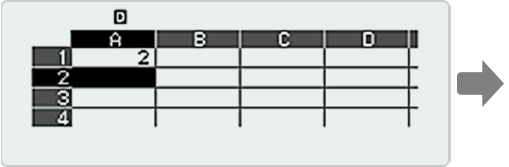
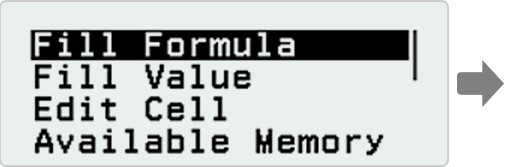
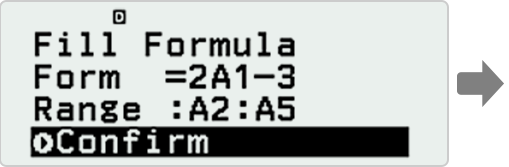
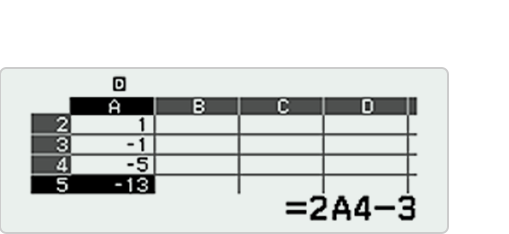
a1-2, a2=1, a3=-1, a4=-5, a5=-13
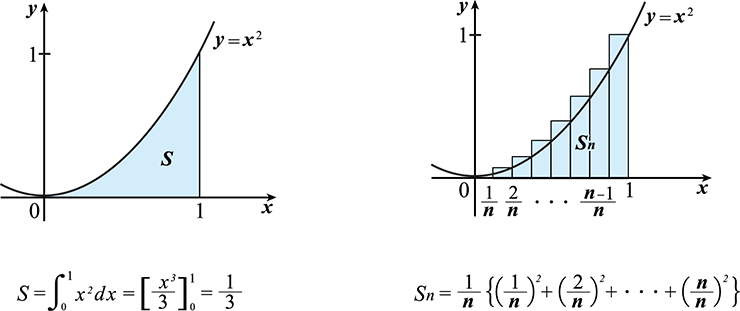
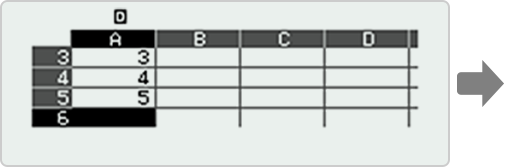
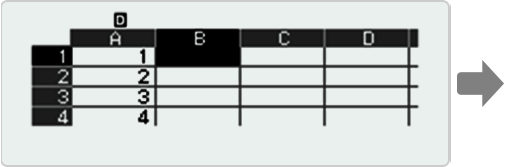
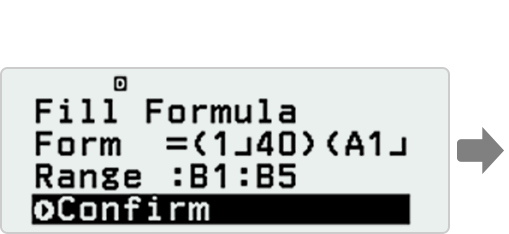
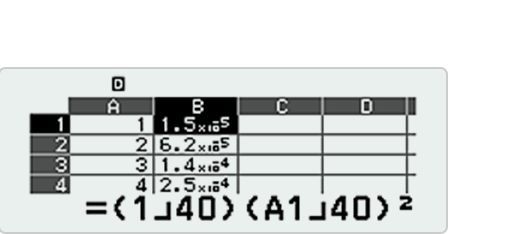
Riemann Integral
Calculation using advanced Riemann functions is also possible.



Integration with Casio's Online Visualization Service
Compatibility with ClassPad.net, a convenient online service for classrooms equipped with ICT tools, has been enhanced.
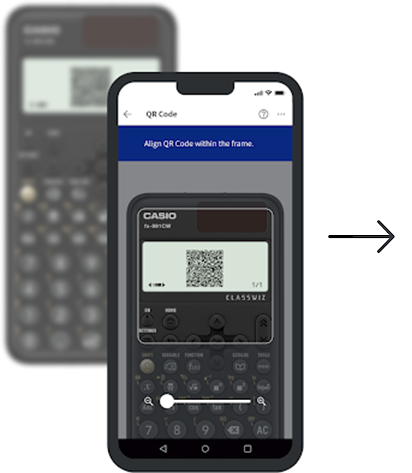
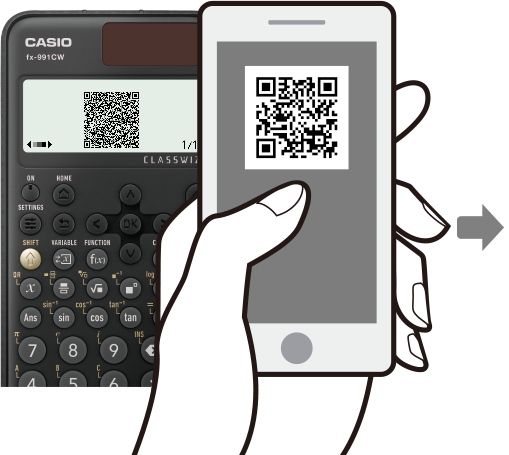
The service can be accessed by scanning QR codes displayed on the calculator screen.
Search for "ClassWiz Calc App" on the App Store or Google Play and download it to access the full QR Code Link feature.
Note: The name may differ depending on the region. Please download either "ClassWiz Calc App," "ClassWiz Calc App QR," or "ClassWiz Calc App Plus."


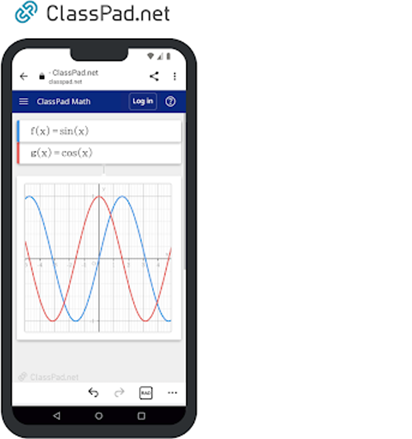
ClassWiz QR Code can be read to display ClassWiz formulas and graph on ClassPad.net.
Generate QR codes of equations input into the calculator by a simple operation.
Graphs and other information can be displayed on smartphone or tablet screen.Visualization with graphs
Input data
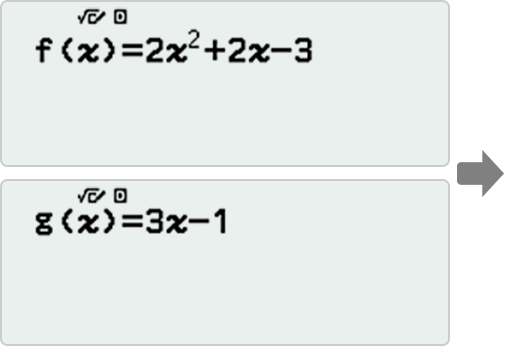
Generate & scan QR code
Graph on smart device
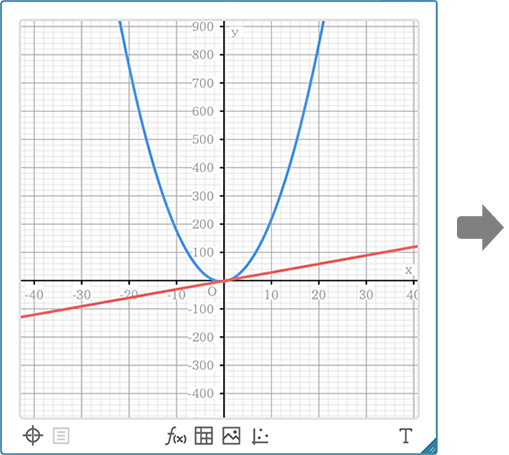
Makes formulas visually understandable.
Analyze graph
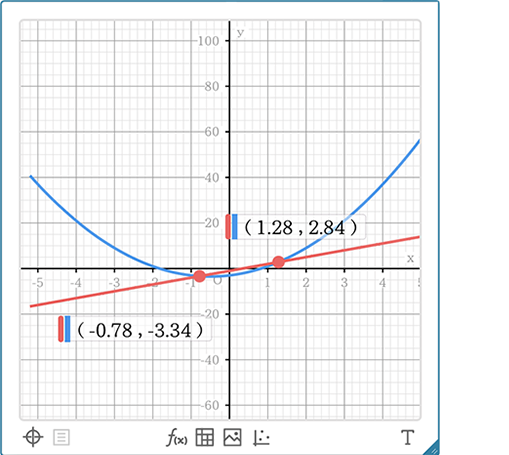
Classpad.net allows you to display graphs and perform various visual analysis.
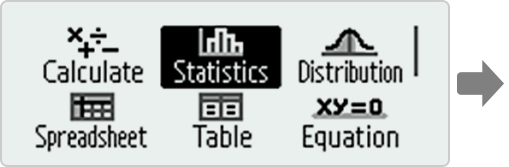
Instruction manuals for each function can be accessed via QR codes, so you can quickly search for relevant information when needed.
Display menu
QR code
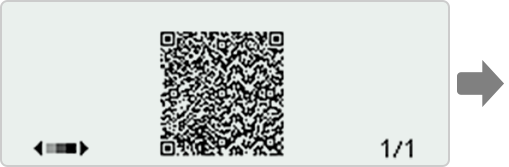
Display manual
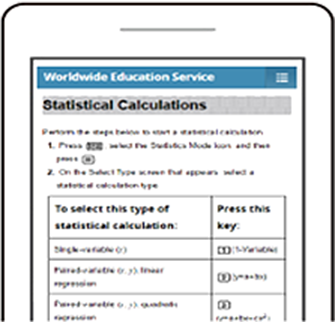
Makes learning to operate the calculator fast and easy


CASIO Teaching Materials
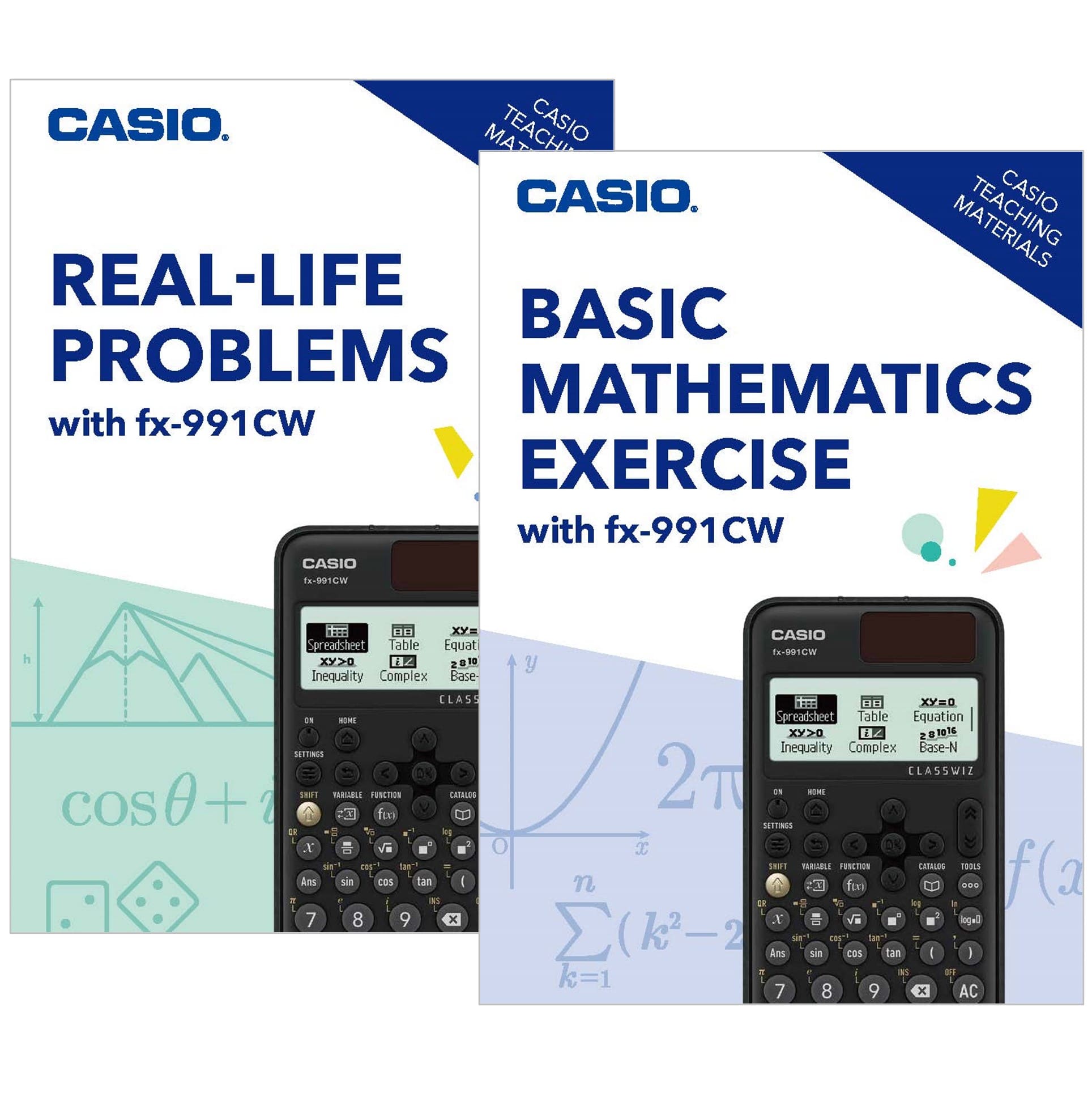
CASIO develops original CASIO Teaching Materials that can deepen learning when used together with scientific calculators.
These materials are available free of charge once you register for a CASIO ID.
Authenticity Check
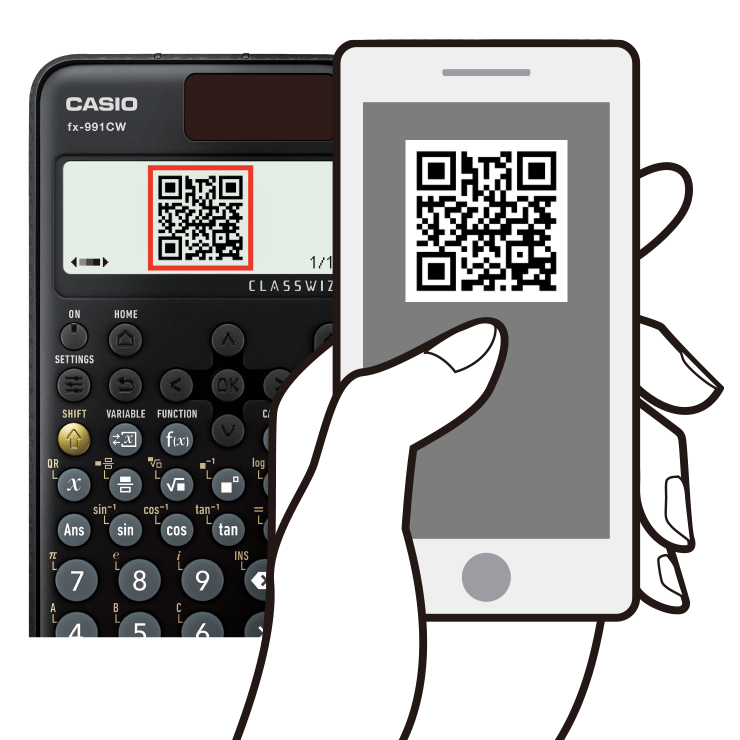
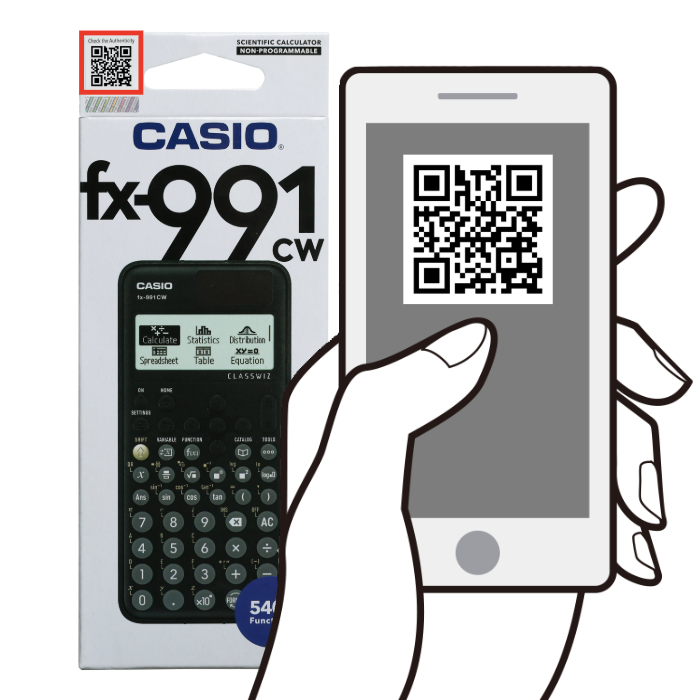
Many fake CASIO scientific calculators can be found in the market.
Ensure your CASIO calculator is authentic by using our quick and easy verification process.
Protect yourself from counterfeit products and enjoy the full benefits of genuine CASIO quality.