How-to Videos & Guides
Please select the model category of your device.
- Scientific Models
- Graphing Models
Learn How to Use
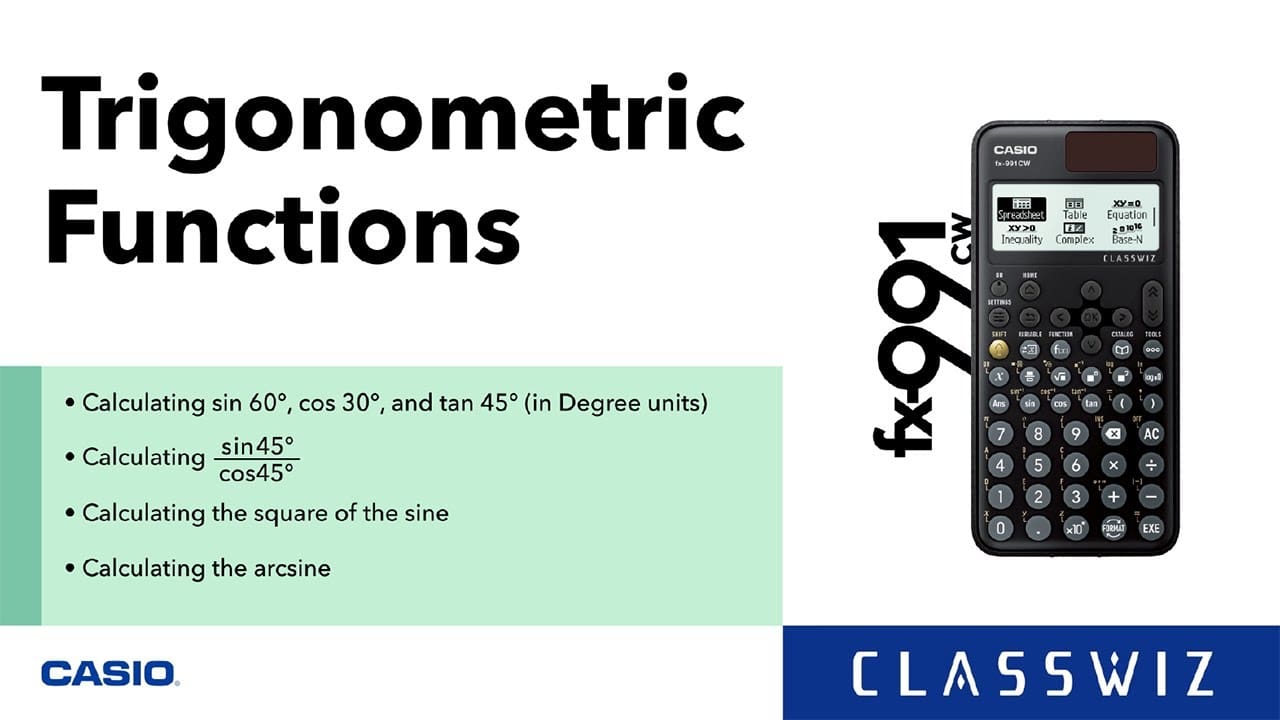
ClassWiz How-To Video
A series of easy-to-follow videos showing how to use each feature of the ClassWiz CW Series — designed to make learning more engaging and intuitive.
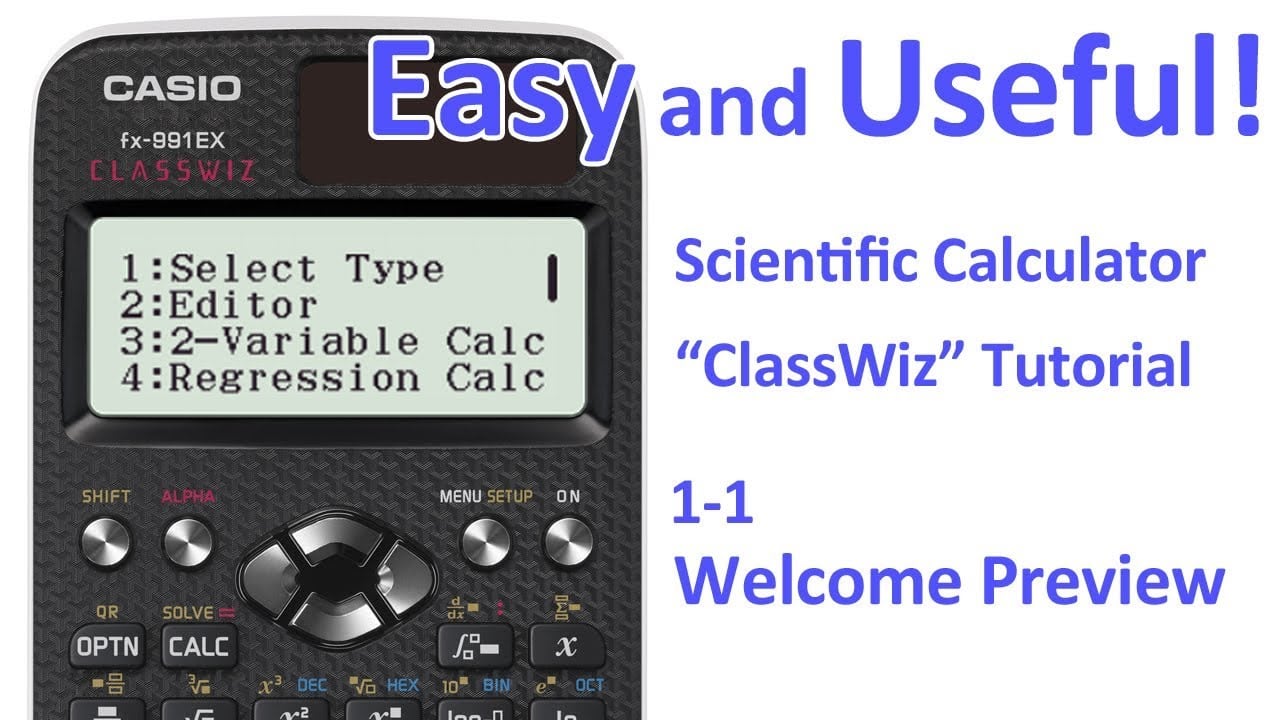
ClassWiz EX How-To Video
A series of easy-to-follow videos showing how to use each feature of the ClassWiz EX Series — designed to make learning more engaging and intuitive.
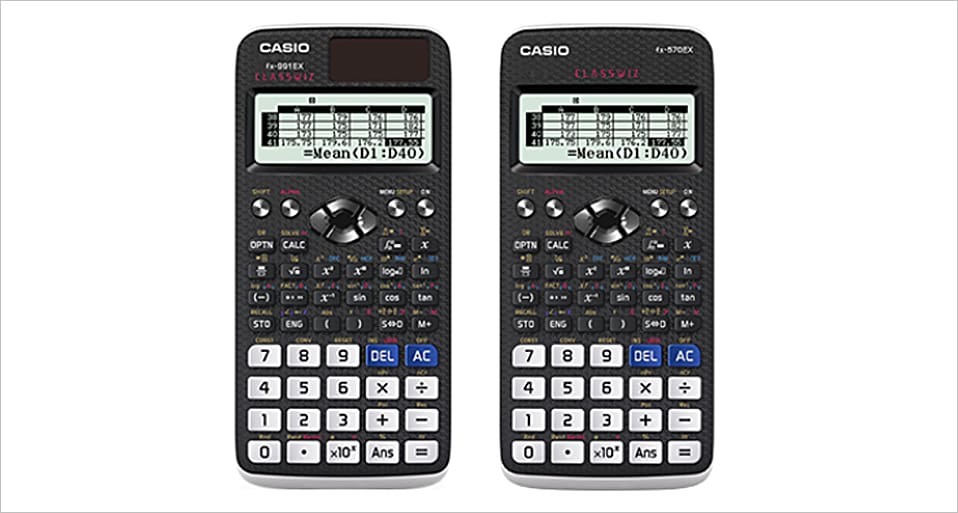
fx-991EX / fx-570EX How-To Guide
Step-by-step PDF guides for each feature of fx-991EX / fx-570EX. Designed for quick access and effective learning support.
Download all functions (PDF: 5,889 KB)
Functions
Function keys and icons (PDF: 1,142 KB)
Basic Calculation (CALCULATE Mode) (PDF:1,064 KB)
COMPLEX NUMBERS (PDF:308 KB)
MATRIX (PDF:616 KB)
VECTOR (PDF:344 KB)
STATISTICS (PDF:303 KB)
DISTRIBUTION (PDF:200 KB)
SPREADSHEET (PDF:602 KB)
TABLE (PDF:683 KB)
EQUATION/FUNCTION (PDF:728 KB)
INEQUALITY (PDF:159 KB)
Learn How to Teach
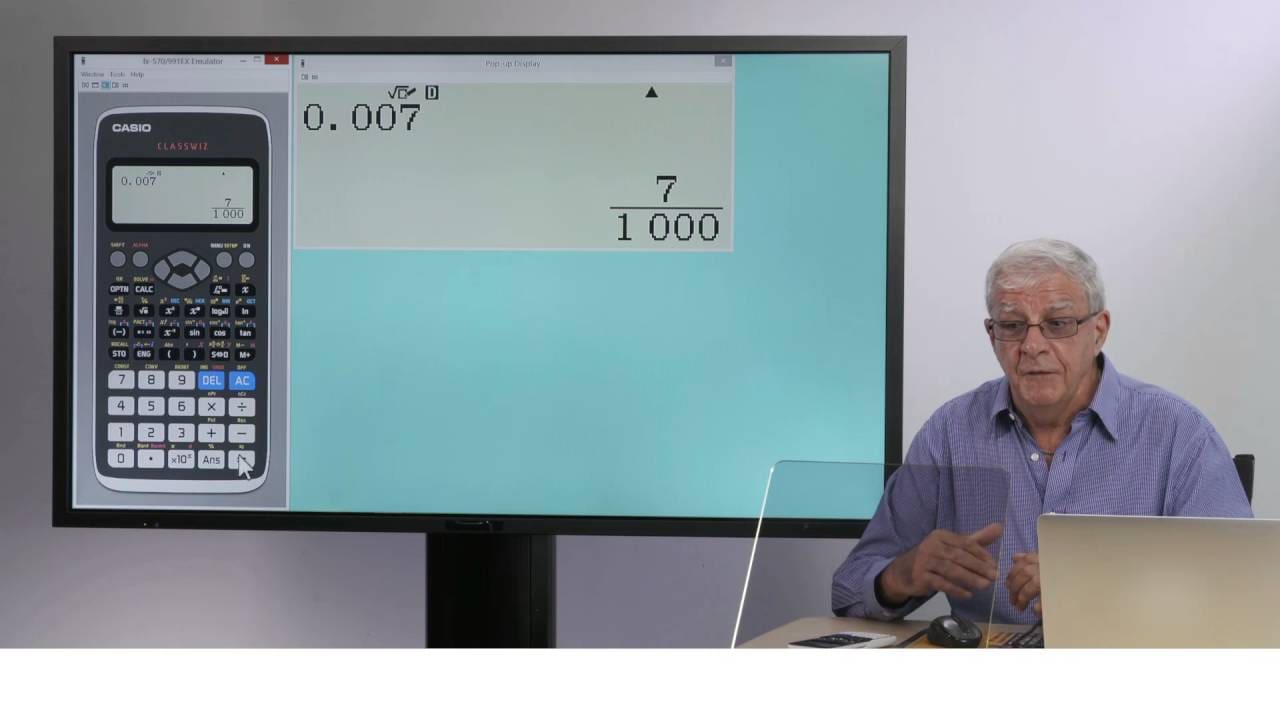
ClassWiz Teaching Video
A video series that explains how to use each feature of the ClassWiz EX Series effectively in classroom teaching, based on real-world educational practice.
Support Resources





Learn How to Use
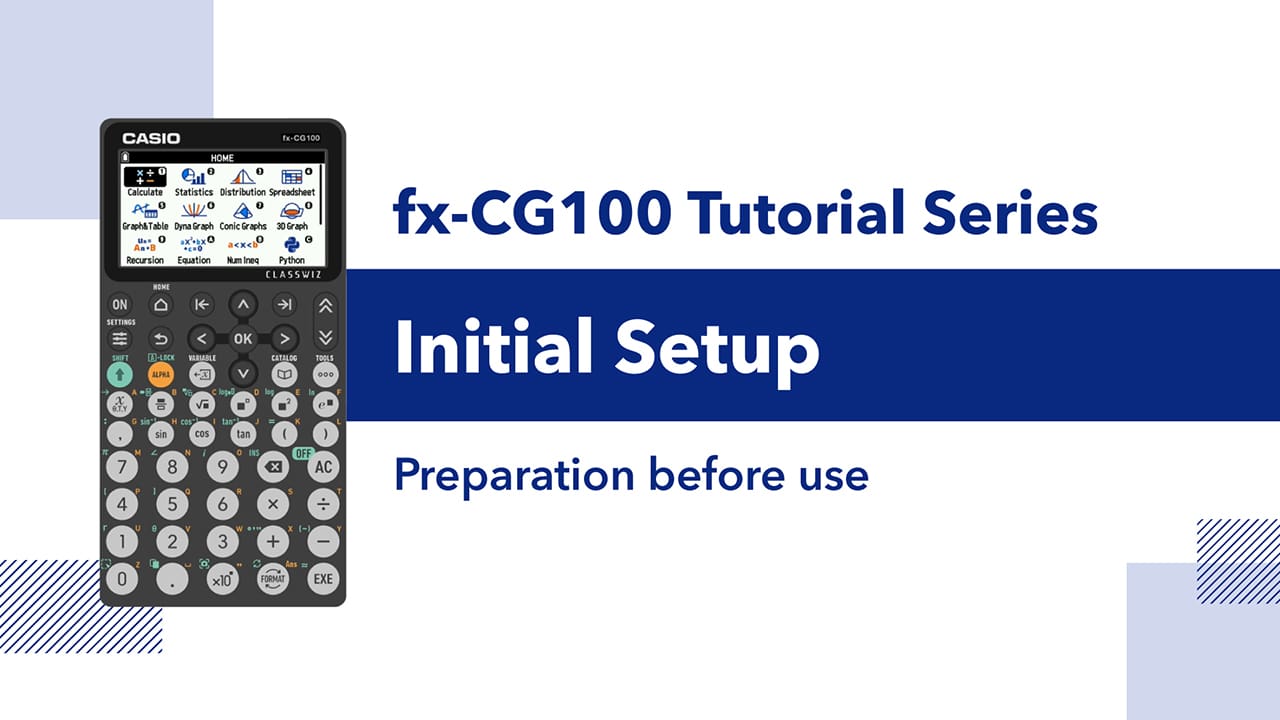
fx-CG100 Tutorial – Basic Operations
This tutorial series provides a step-by-step introduction to the basic operations of the fx-CG100, covering initial setup, basic calculation, graph and table, financial calculations and convenient features.
It offers clear, concise lessons designed to help new users quickly become comfortable with our new graphing scientific calculator.
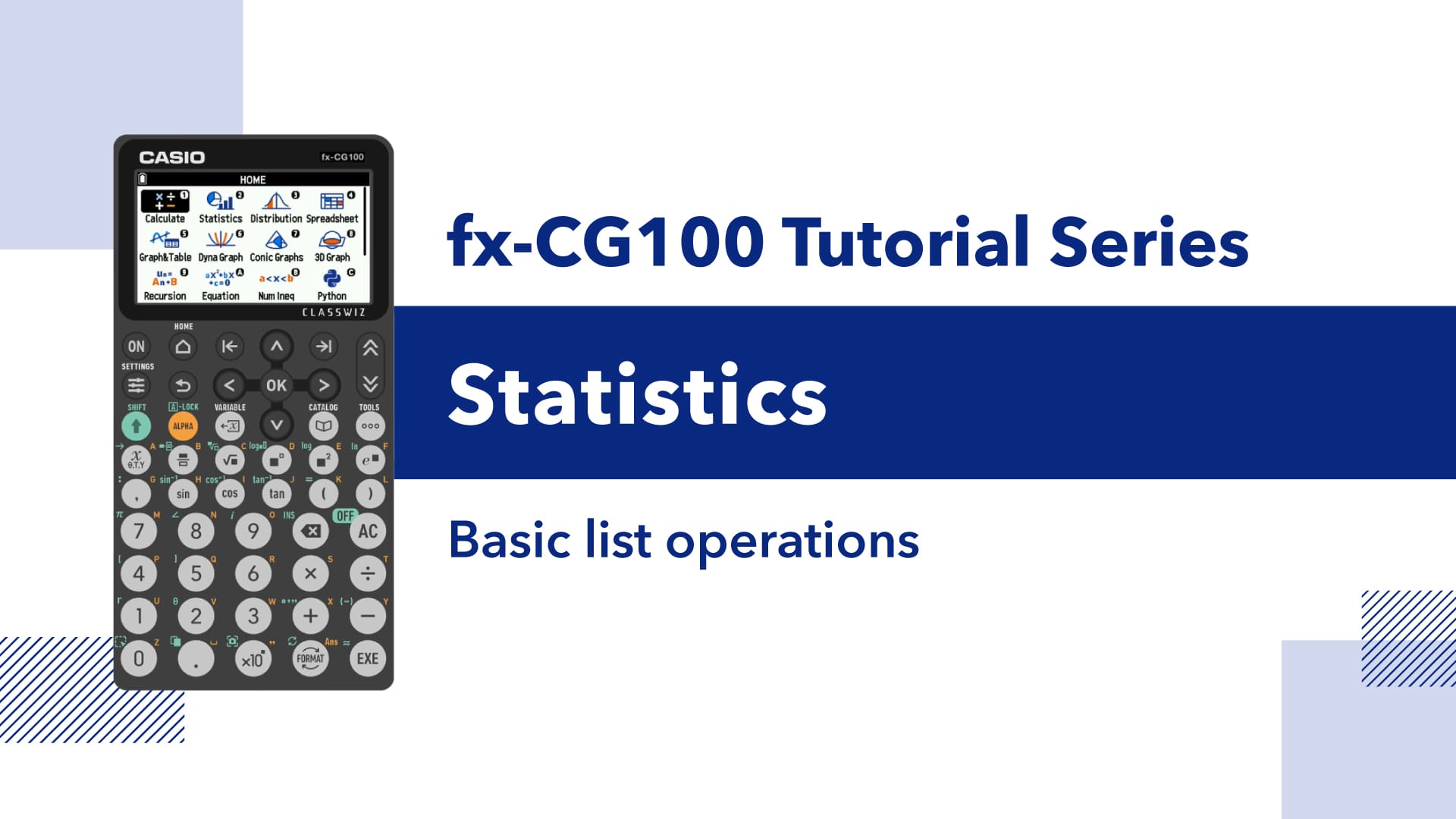
fx-CG100 Tutorial – Statistics & Data Analysis
Learn how to perform statistics and data analysis using the CASIO fx-CG100. This playlist covers data entry, statistical graphs, regression, probability distributions, and hypothesis testing with clear, step by step calculator operations.
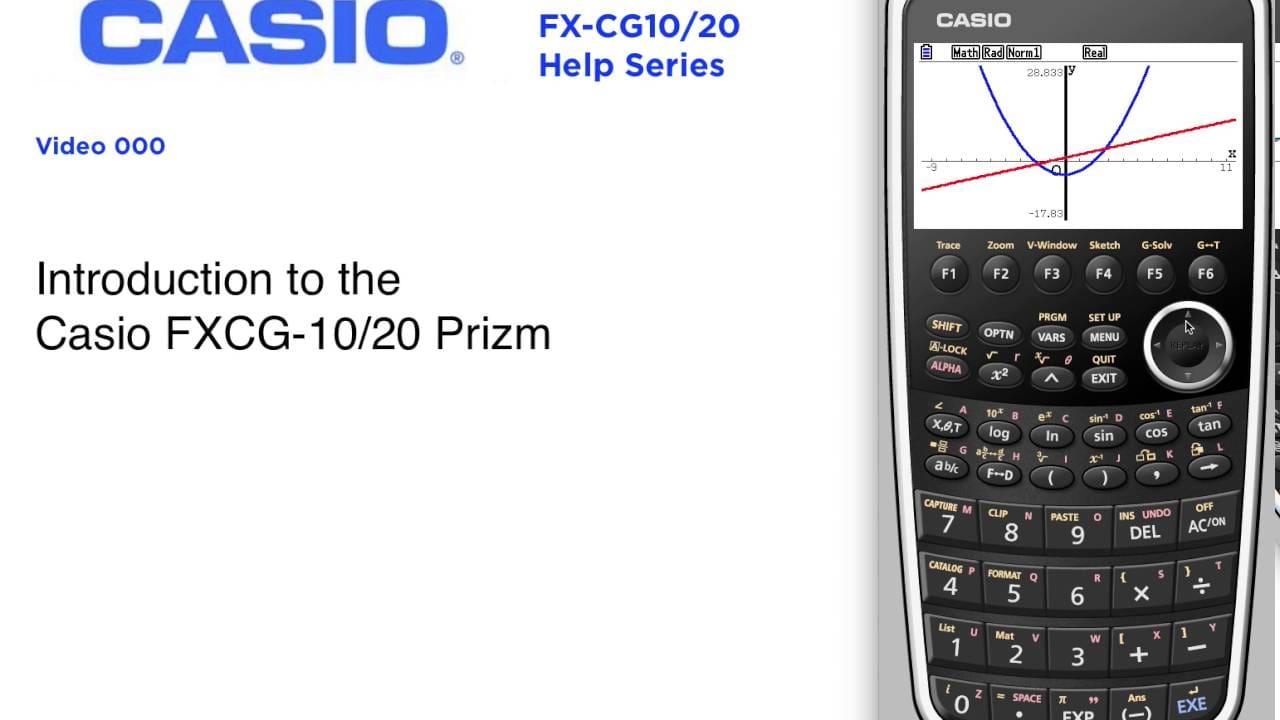
Graphing Models How-To Video
A video series that explains the basic operations of Graphing Models in a way that supports classroom teaching.
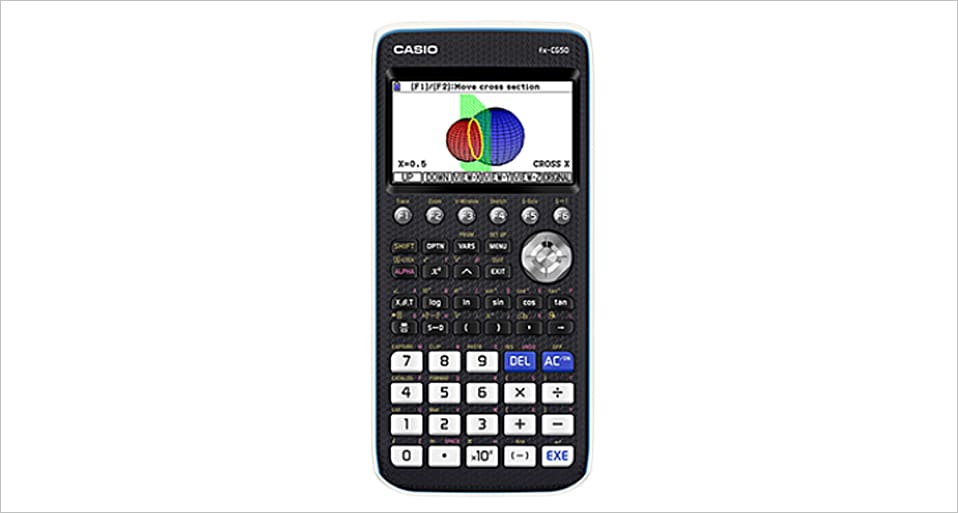
fx-CG50 How-To Guide
Step-by-step PDF guides for each feature of fx-CG50. Designed for quick access and effective learning support.
Download all functions (PDF:10,249 KB)
Functions
Function keys and icons (PDF:967 KB)
Basic Calculation (RUM-MATRIX Mode) (PDF:630 KB)
GRAPH (PDF:1486 KB)
TABLE (PDF:314 KB)
GRAPH-MODIFY (PDF:388 KB)
EQUATION (PDF:618 KB)
CONICS (PDF:570 KB)
STATISTICS (PDF:1,056 KB)
RECURSION (PDF:878 KB)
FINANCIAL (PDF:442 KB)
CONICS GRAPHS IMAGE BACKGROUND (PDF:830 KB)
PICTURE PLOT (PDF:2,413 KB)